
Project Description
Super short summary here.
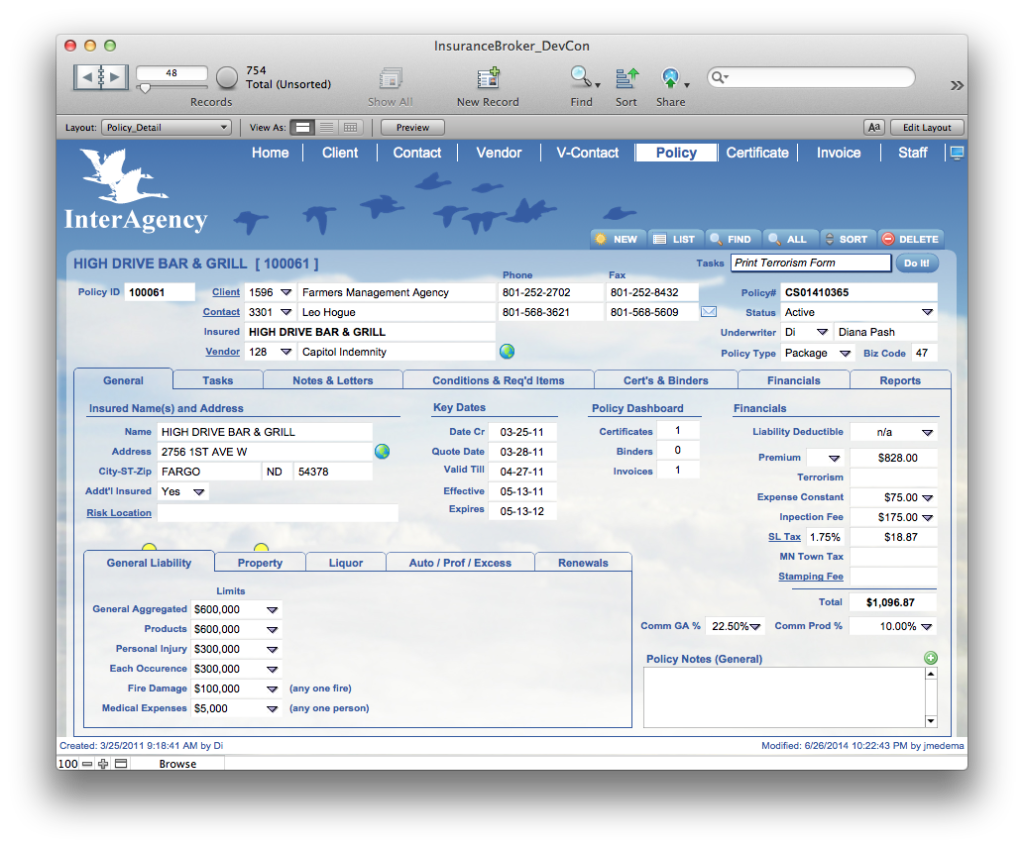
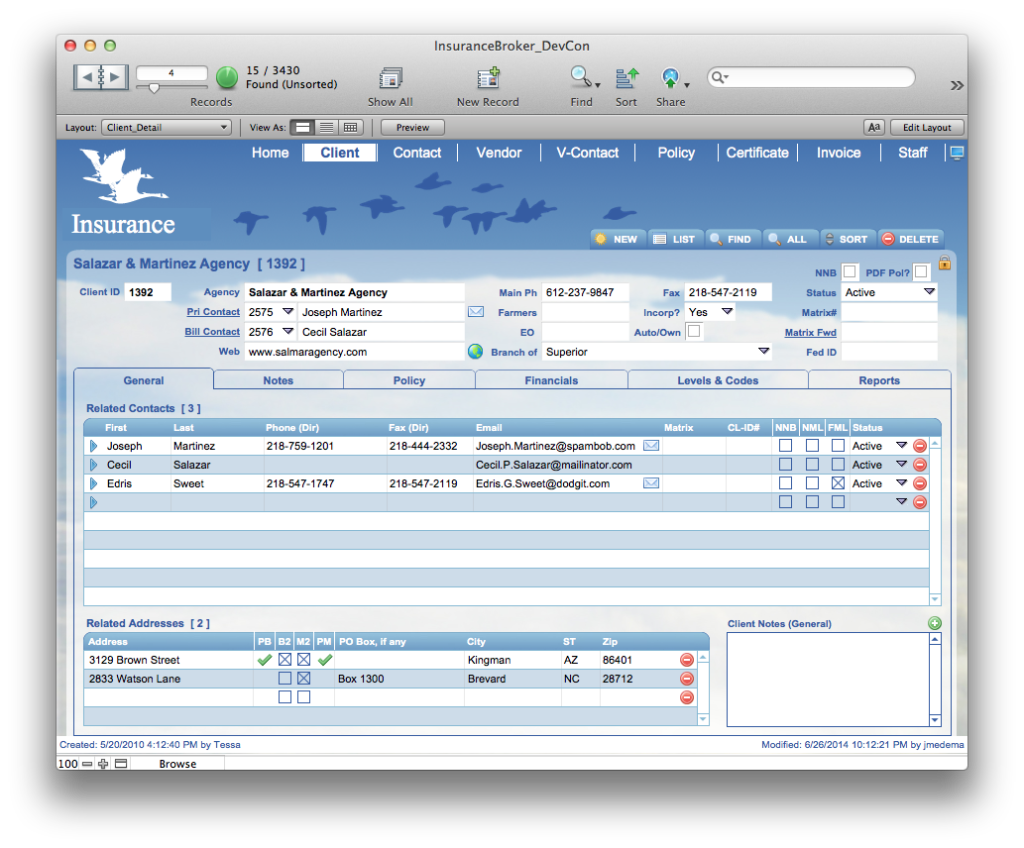
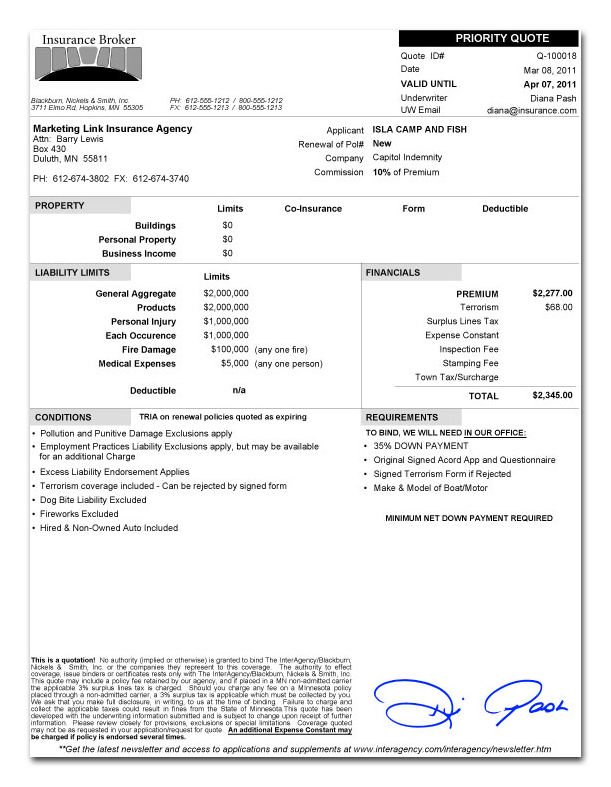
The reason I would like both top and bottom text is that the images capture people’s attention but aren’t the full story. I want to draw them into the text but if they only see the 3-5 paragraphs of text when they first load the page they might not scroll down. (I believe I’m over thinking this) One of the reasons I like the “shrunken” images is they don’t immediately dominate the screen, but instead invite the user to click on them. Once they click they get a much larger view – I LOVE the slideshow thing from Case Study B that you put together! If I had to choose between top or bottom, I’d rather have the images displayed on top, just under the name of the Case Study (is that the client name?), and then put the rest of the Project Description below the images. I’m not sure how best to integrate the client logo with this setup. Maybe at the top of the side-bar??
Client Name
Project Description:
ROI:

Client Profile:
Client Type:
Primary Features: